Statistics
Created 28 Aug 2026·Updated 11 Sept 2026
Open Statistics in TipLinkThe Statistics page turns everything TipLink has seen into totals and charts: how much you have earned, how busy your chat is, which platforms actually bring in support, and who your top supporters are.
It counts events as they arrive, so it starts filling in from the moment you connect a platform.
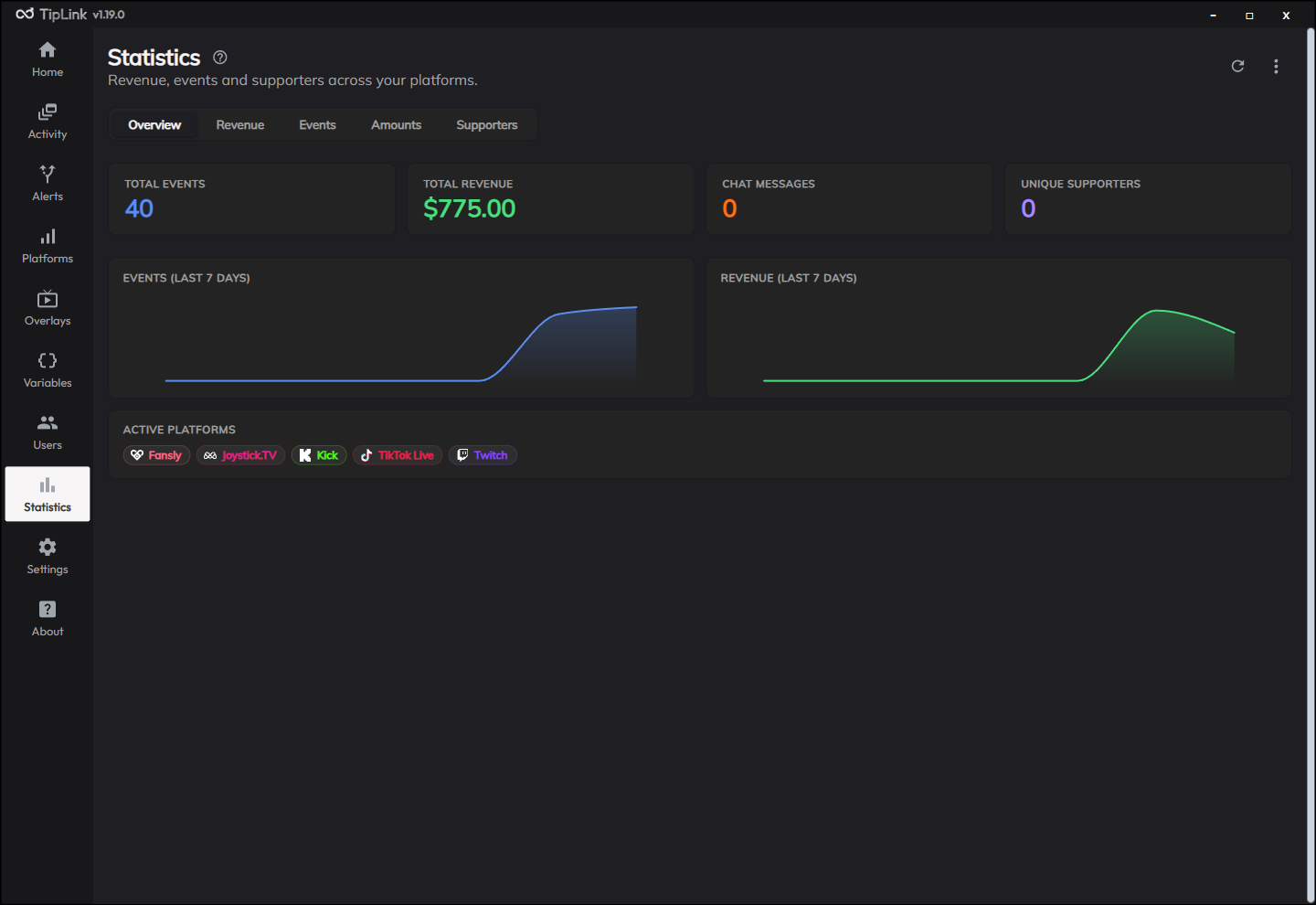
The Headline Numbers
Four figures sit at the top of the page, whichever tab you are on:
| Figure | What it counts |
|---|---|
| Total Events | Every event TipLink has received. |
| Total Revenue | The combined value of every tip, donation, sub and other paid event. |
| Chat Messages | Every chat message recorded. |
| Unique Supporters | How many different people have supported you. |
Active Platforms is shown alongside, with each platform's logo next to its name.
The Tabs
| Tab | What it shows |
|---|---|
| Overview | The headline numbers plus small Events and Revenue charts. Hover any day to see its exact figure. |
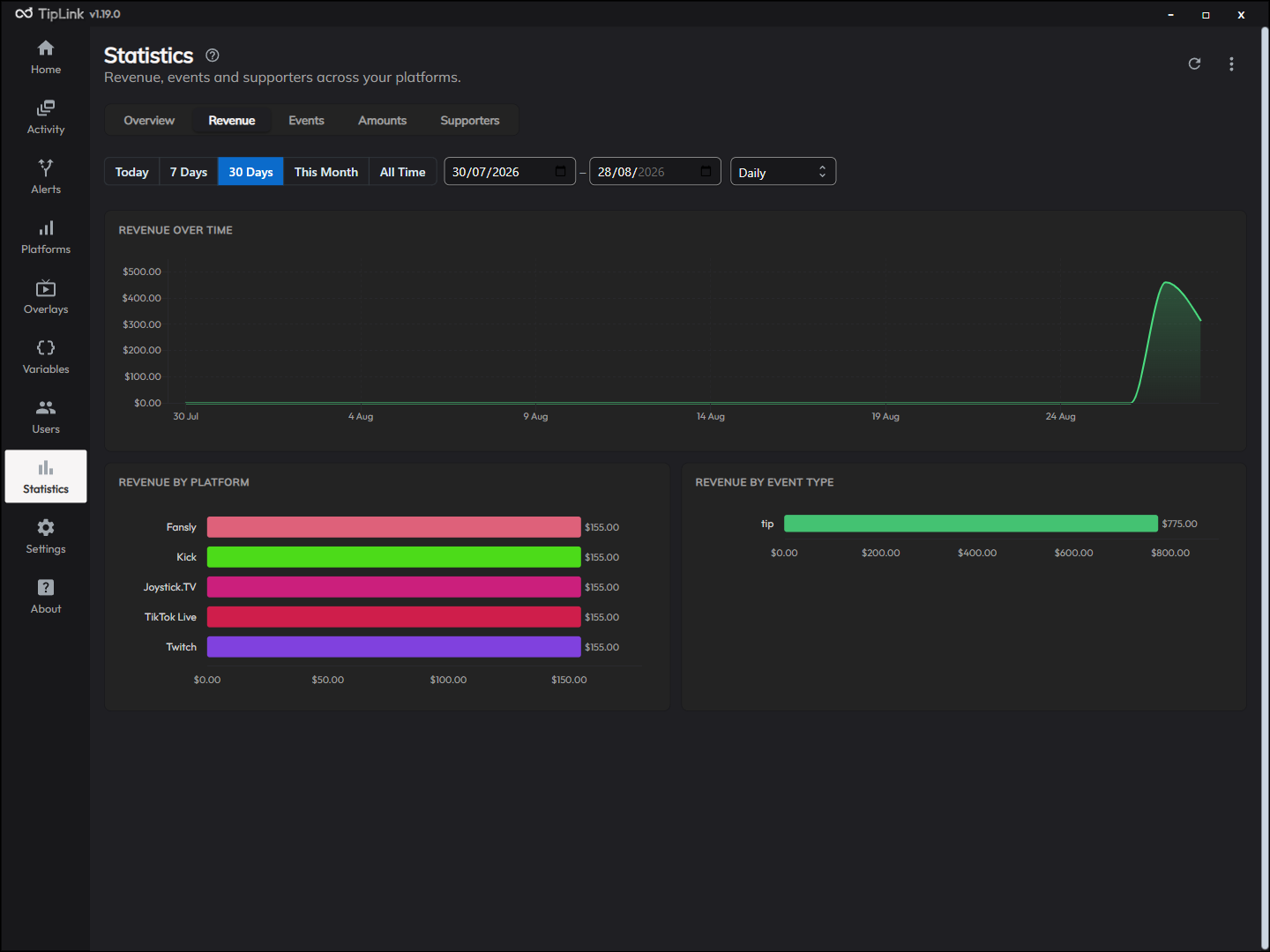
| Revenue | Where your money comes from, broken down by platform and by event type. |
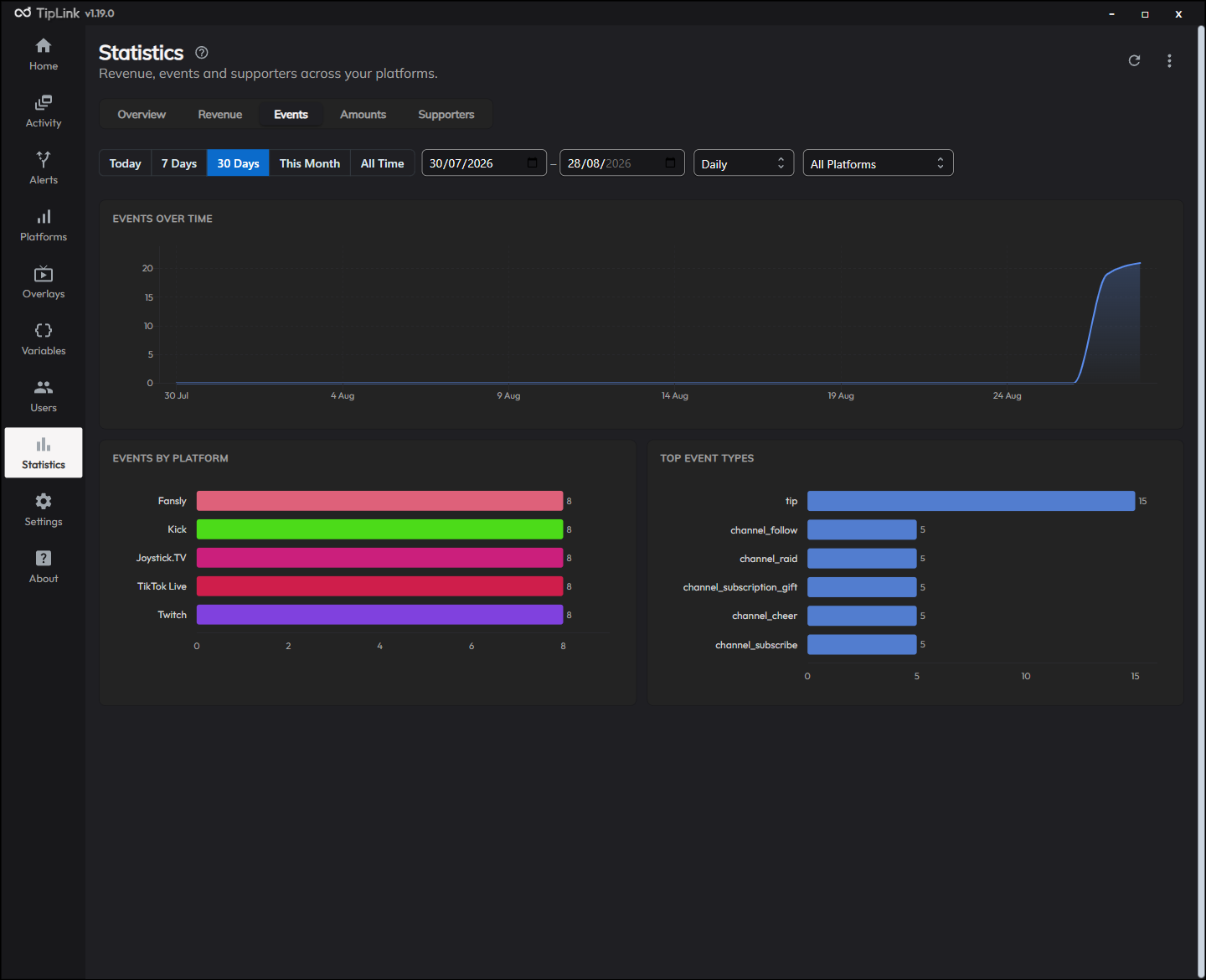
| Events | Event volume over time and which event types are most common, filterable by platform. |
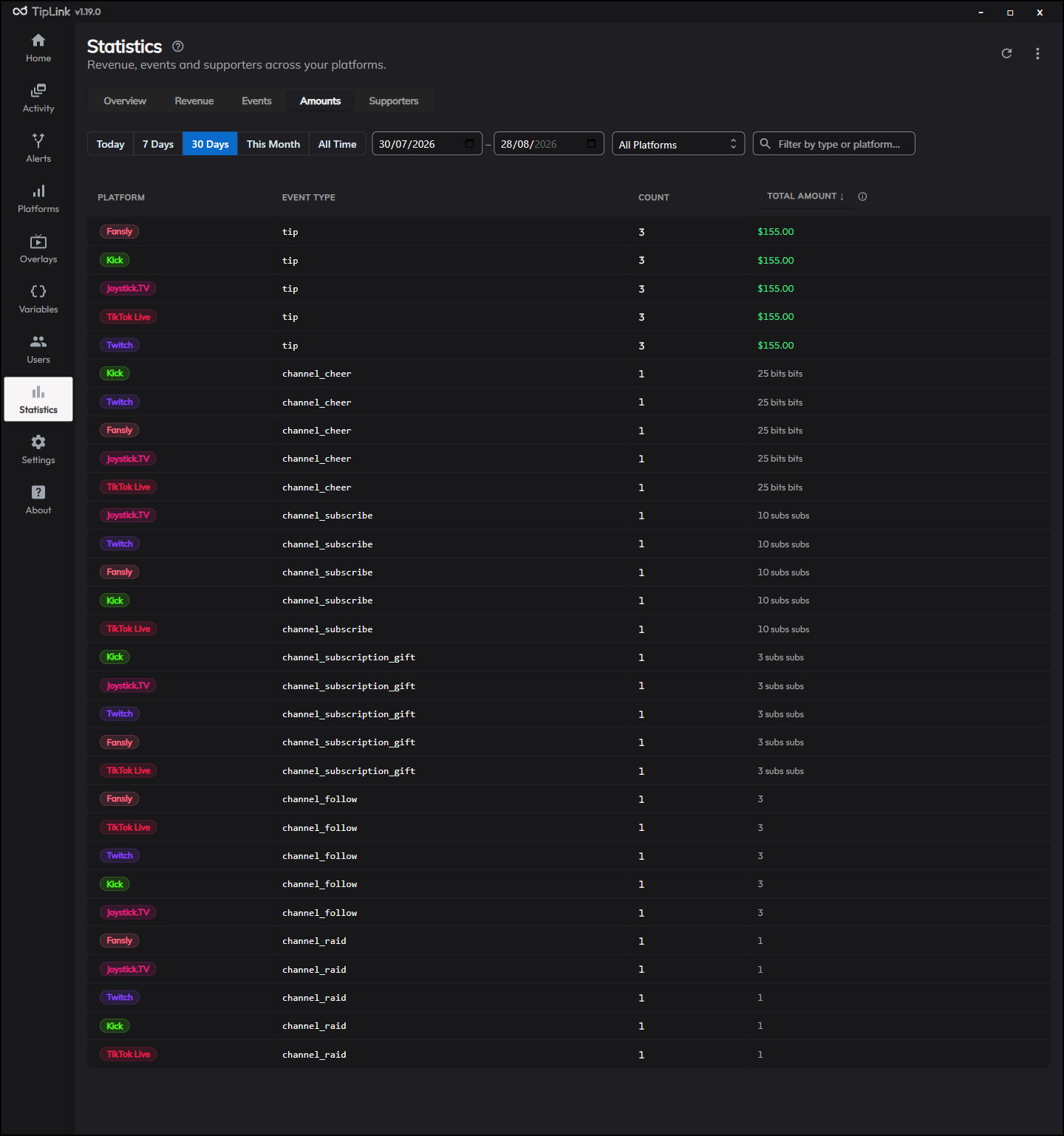
| Amounts | The distribution of amounts, so you can see whether you get many small tips or a few large ones. |
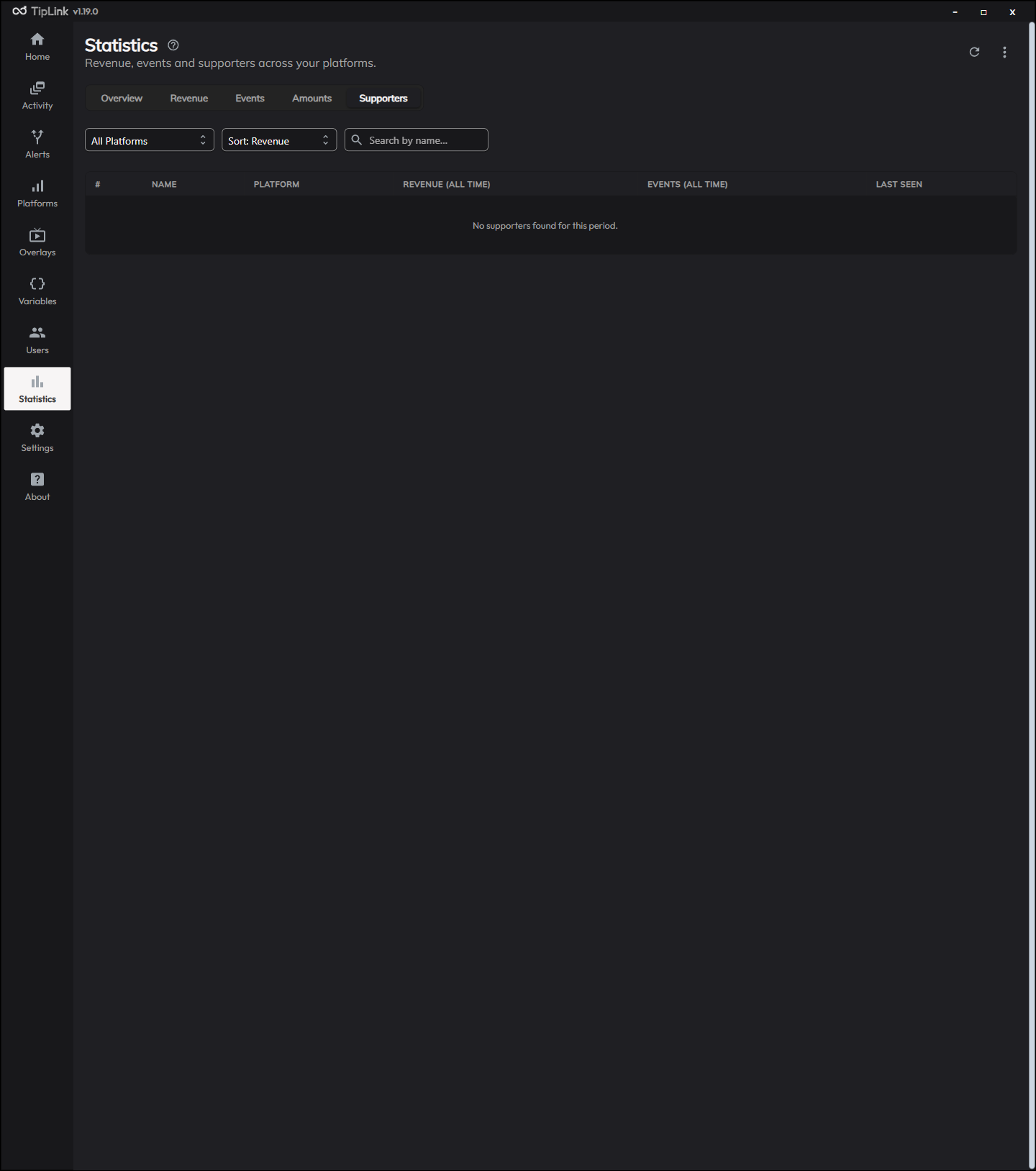
| Supporters | Your supporters, including who gives most. |
Reading the Charts
Every chart is by day. Hover any point or bar to see the exact figure for that day, on the small Overview charts as well as the large ones.
TipLink adds up the value each platform reports. If you take tips in more than one currency, or in tokens as well as cash, treat the revenue figure as a combined total rather than an exact amount in one currency.
Exporting Your Statistics
You can export your statistics to a file, which is useful for tax records, sponsorship conversations or your own spreadsheets.
Choose a format and a scope, then save the file. Exports cover your daily totals and your supporter records.
Resetting
There is a reset for clearing your statistics and starting again, for example at the start of a new year.
Export first if the history matters to you.
Test and Replayed Events
Events you sent yourself do not count towards your figures. That covers:
- Events sent with Send Test Event
- Events replayed from the Activity page
- Events fired by a platform's own test button
They still appear in Activity and still fire your alerts. They are simply left out of the totals here and of the Home page tiles, so a morning of testing does not show up as a record-breaking day.
To count them, turn on Count Test & Replayed Events in Settings.
TipLink pre-calculates daily totals, so switching this rebuilds your existing statistics. On a long history that takes a moment.
Before that release test and replayed events were counted like any other. If your figures dropped after updating, this is why.
How This Relates to Activity
The Activity page lists individual events and lets you replay them. Statistics only keeps the running totals.
That matters in one useful way: statistics are stored separately from your event history. Clearing your events in the Danger Zone does not wipe your statistics, so you can keep your event list short without losing your long-term totals.
Troubleshooting
Revenue looks too low
Only events carrying a value count towards revenue. Follows, raids and chat messages do not. Check the event actually reached TipLink on the Activity page.
If you have been testing, remember test and replayed events are excluded by default. See Test and Replayed Events.
Chat messages show zero
Chat is excluded on every account by default, so TipLink never records it. Remove Chat Message from Excluded Events in that account's settings on the Platforms page.
A platform is missing from Active Platforms
It has not produced an event yet. Platforms appear once TipLink has seen something from them.
The numbers only start from a certain date
Statistics begin from when the feature arrived in v1.16.0, or from when you first connected that platform. Events received before then were never counted.