Streamlabs
Created 31 Dec 2025·Updated 31 Jul 2026
Open Platforms in TipLinkSet-up Instructions
-
Open TipLink, and navigate to the "Platforms" page using the sidebar.
-
Click Add an Account, then choose Streamlabs.
-
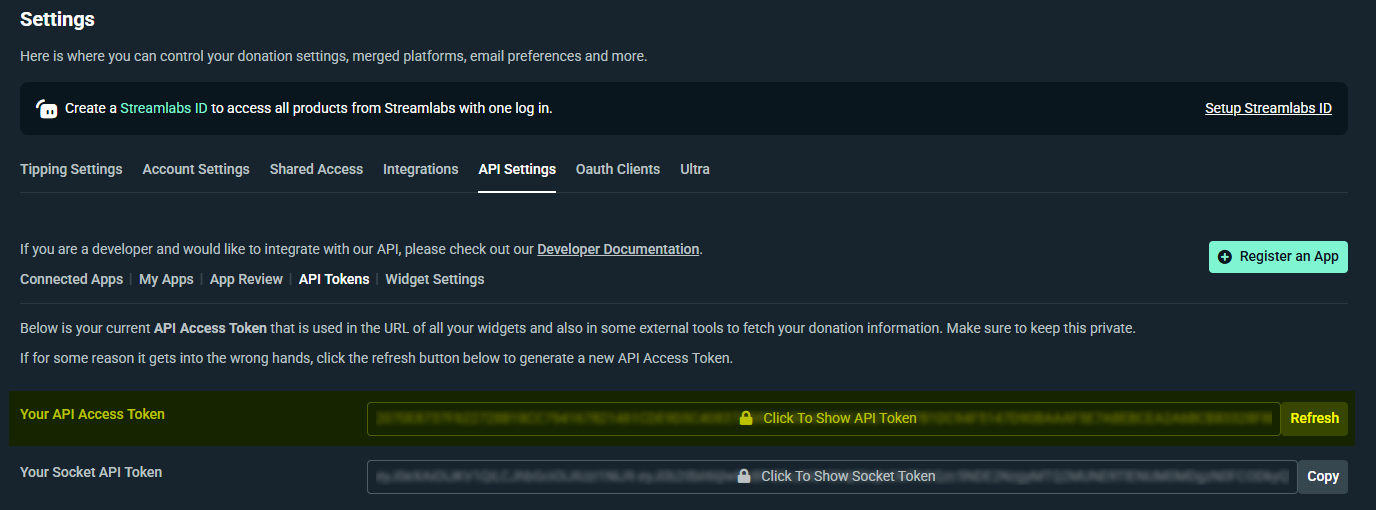
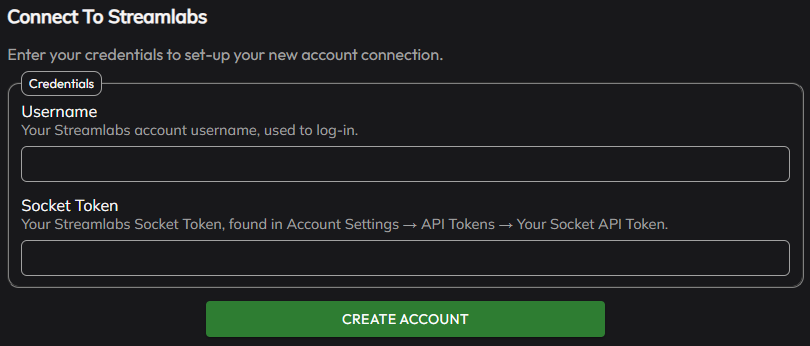
A popup will open within TipLink. Enter the Socket API Token for your Streamlabs account.
You can find your Socket API Token under Settings → API Settings → API Tokens - https://streamlabs.com/dashboard#/settings/api-settings
-
Click "Create Account", and wait for TipLink to process the information provided.
-
If the connection is successful, your new account will appear in the list provided.

-
Streamlabs is now connected to TipLink!
Managing Your Streamlabs Account
Here's how to manage your account connection with Streamlabs within TipLink.
-
Open TipLink, and navigate to the "Platforms" page using the sidebar.
-
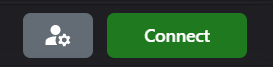
Find your account in the list, and click the small person icon containing a gear.
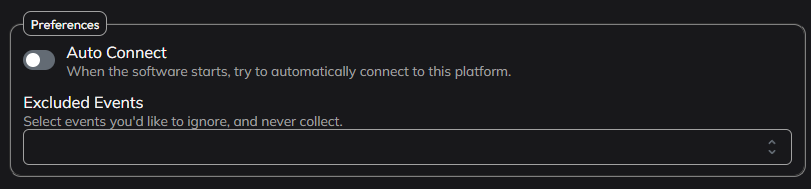
This is the configuration window for your account connection, where you can manage tools like:
- Auto Connect
Enable this to automatically connect this account when TipLink starts. - Excluded Events
If you want to ensure certain events are never recorded, select them from the dropdown list provided. - Delete Account
This button will completely remove your account connection with this platform.
Connection Instructions
-
Open TipLink.
-
On the Home or Platforms page, click "Connect" next to the account you'd like to connect with.
-
TipLink will now try to connect with Streamlabs.
-
If the connection is successful, you'll see the button text change to "Disconnect", and the button will turn red.
-
If the connection failed, the button will remain green, and the text will read "Connect".
-
Removal Instructions
To remove your connection between TipLink and Streamlabs, please follow the instructions below.
-
Open TipLink, and navigate to the "Platforms" page using the sidebar.
-
Find your Streamlabs account in the list, and click the small person icon containing a gear.
-
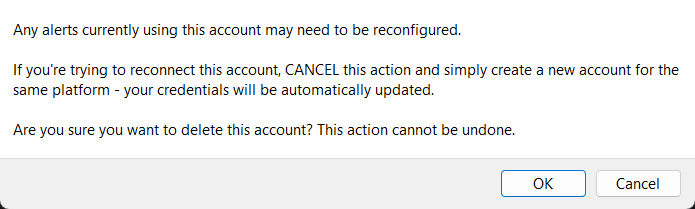
Click "Delete Account" top-right.
-
You'll then be asked to confirm if you really want to do this.